
How to Download & Play MP3s on iPhone Without iTunes (iOS Guide)
Master downloading and playing offline MP3s on iPhone without iTunes or an Apple Music subscription. A step-by-step guide to the iOS Files app, Safari, and top free players like VLC.
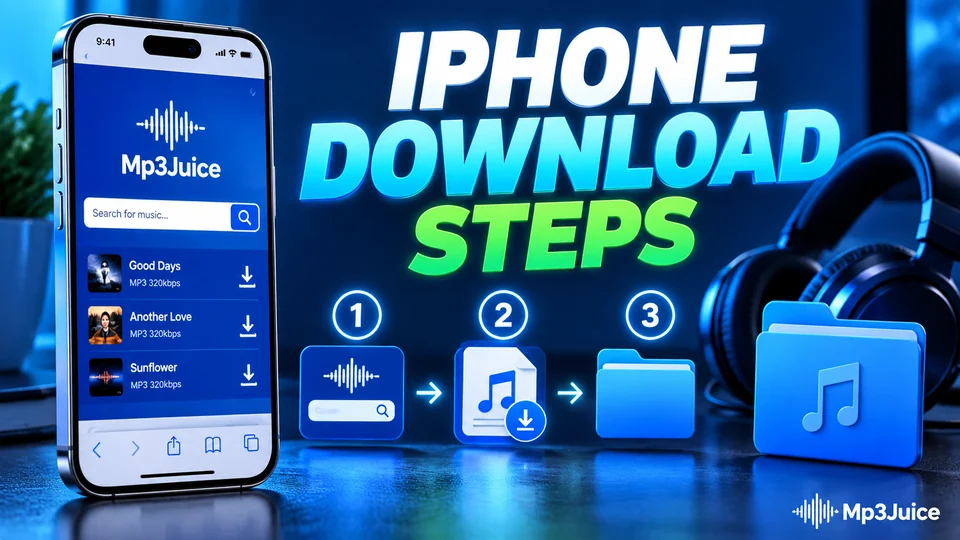
The iOS Misconception: "iPhones Can't Download MP3s"
For years, Apple forced iOS users to sync music through a desktop computer using iTunes. If you didn't have an Apple Music subscription, playing offline music was painful. But since Apple introduced native Safari downloads in iOS 13, your iPhone functions just like a computer when it comes to saving files.
The only thing to understand is Apple's filesystem sandbox: downloaded MP3s land in the Files app, not in the pre-installed Apple Music app.
Step 1: How to Download MP3s Using Safari
- Open Safari and navigate to MP3Juice or your preferred music source.
- Type your song title or paste a video URL, select your desired MP3 format, and tap Download.
- Safari will display a confirmation popup: "Do you want to download '[Song Name].mp3'?" Tap Download.
- Look at the top or bottom URL bar: you will see a small circle with a downward arrow. When the circle fills, the download is complete!
Step 2: Where to Find Your Downloaded Songs
Open the pre-installed Files app on your iPhone and tap Browse at the bottom. You will see two storage locations:
- On My iPhone > Downloads: Files saved directly to your phone's internal flash storage. Available 100% offline with zero data consumption.
- iCloud Drive > Downloads: Files synced to your iCloud account, which can be accessed from your iPad or Mac automatically.
Step 3: Best Free Apps for Offline MP3 Playback on iOS
While the Files app can preview audio, it is not a true music player (it does not support shuffle, background playlists, or lock-screen controls well). Here are the two best free, ad-free apps for playing local MP3s:
| App | Best Feature | How to Import Songs |
|---|---|---|
| VLC for Mobile (Free & Open Source) | Gapless playback, equalizer, background lockscreen audio, no ads ever. | In Files app, tap Share on your songs > select VLC. Or open VLC > Network > Cloud & Local Files. |
| Documents by Readdle (Free) | Built-in file manager, beautiful music player UI, folder-based playlists. | Open Documents app > browse directly into iPhone Downloads folder. |
| Foobar2000 Mobile (Free) | Audiophile grade, supports FLAC, MP3, AAC, custom DSP and themes. | Direct folder scanning from local iOS storage. |
Bonus Pro-Tip: Making an Offline Music Folder
Inside the Files app, tap the three dots icon in the top right, tap New Folder, and name it "My Offline Music". Move all your downloaded MP3s here. Open VLC for Mobile, point it to that folder, and you have an offline music library ready for flights, road trips, or rural areas with no mobile reception.